


Posting a job opening can feel overwhelming when you need talented professionals but have limited resources. For many Canadian HR managers, the challenge lies in crafting a clear message that captures attention while ensuring only qualified candidates apply. By focusing on precise job details, candidate requirements, and careful use of recruitment platforms, you can make your listings stand out without overspending. This guide highlights steps you can follow to create an effective job post that attracts the right talent and supports hiring success.
Table of Contents
- Step 1: Prepare Job Details And Candidate Criteria
- Step 2: Create Or Access Your Gohires Employer Account
- Step 3: Fill Out The Job Posting Form Accurately
- Step 4: Set Posting Options And Review For Accuracy
- Step 5: Publish Your Job And Monitor Applications
Quick Summary
| Key Point | Explanation |
|---|---|
| 1. Develop detailed job descriptions | Clearly outline job responsibilities and qualifications to attract qualified candidates effectively. |
| 2. Distinguish essential and desirable criteria | Create a balanced profile to filter unqualified applicants and attract top talent through distinctive skills. |
| 3. Complete your Gohires profile thoroughly | A comprehensive employer profile increases visibility and engagement with potential candidates in Canada. |
| 4. Review postings for accuracy | Meticulously check job details and requirements to avoid errors that could deter qualified candidates from applying. |
| 5. Monitor applications promptly | Regularly track and manage incoming applications to streamline the recruitment process and improve candidate experience. |
Step 1: Prepare job details and candidate criteria
Preparing accurate job details and candidate criteria is critical for attracting qualified applicants through Gohires. Your job posting will serve as the first impression potential candidates have of your organization, making precision and clarity essential.
Start by developing a comprehensive job description that clearly articulates job responsibilities. Break down the core duties, reporting structure, and key performance expectations. Include specific tasks candidates will perform, required technical skills, and the role’s broader organizational context. Be explicit about qualifications like educational background, years of experience, and specific technical or soft skills needed.
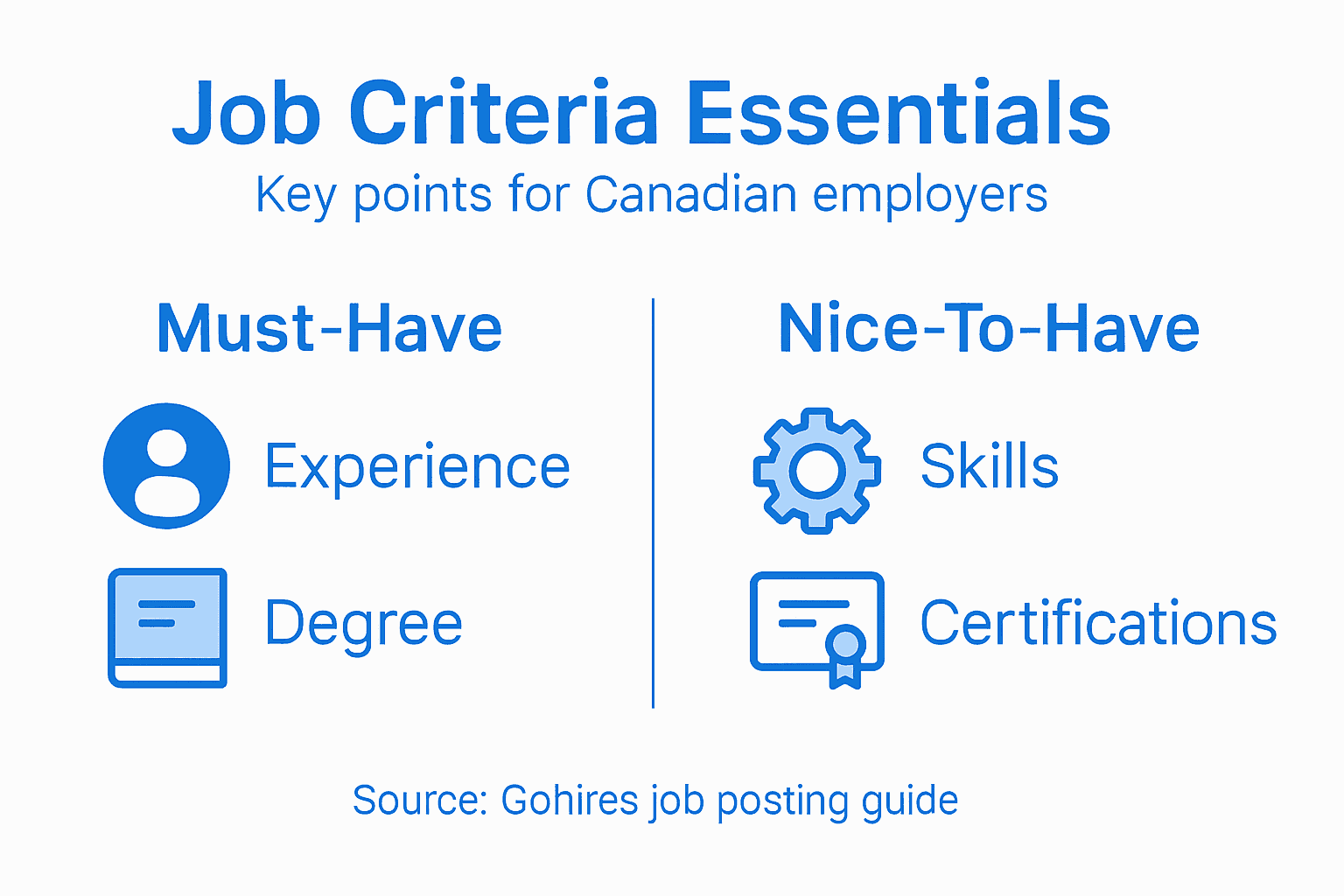
When defining candidate criteria, focus on creating a balanced profile that captures both mandatory requirements and desirable attributes. Consider including sections that distinguish between essential qualifications candidates must possess and preferred skills that would differentiate top performers. This approach helps attract a diverse talent pool while maintaining high standards for candidate selection.
Here’s a quick comparison of essential versus desirable candidate criteria:
| Criteria Type | Description | Impact on Recruitment |
|---|---|---|
| Essential Requirements | Minimum qualifications and skills needed | Filters unqualified applicants |
| Desirable Attributes | Additional skills or experiences preferred | Attracts top-performing candidates |
Pro tip: Use clear, concise language and avoid internal jargon that might confuse potential applicants, ensuring your job description is accessible and engaging to a wide range of talented candidates.
Step 2: Create or access your Gohires employer account
Creating your employer account on Gohires will be your gateway to accessing powerful recruitment tools designed specifically for Canadian businesses. This straightforward process allows you to quickly establish your organizational presence and start attracting top talent.
Begin by visiting the Gohires website and clicking on the employer registration button. You will need to provide basic company information including your business name, industry sector, contact details, and a valid corporate email address. Explore the best recruitment platform to understand how the registration process integrates with broader hiring strategies. During account setup, verify your organizational details and choose a secure password that meets platform security requirements.
After creating your account, complete your employer profile by adding company description, logo, and any additional context that will help attract potential candidates. Most Canadian employers find that a comprehensive profile increases visibility and candidate engagement. Verify your account permissions and determine which team members will have access to manage job postings and review applications.
Pro tip: Select a professional profile image and write a compelling company description that highlights your organizational culture and values to stand out in the competitive Canadian job market.
Step 3: Fill out the job posting form accurately
Filling out the job posting form on Gohires requires careful attention to detail to ensure you attract the right candidates for your organization. Your job posting is essentially your first point of contact with potential talent, making accuracy and clarity paramount in the recruitment process.
Start by navigating to the job posting section and systematically complete each field with precise information. Input the job title, salary range, employment type, and location with exactness. Understand online job posting strategies to maximize your recruitment effectiveness. Pay special attention to the job description section, where you will outline key responsibilities, required qualifications, and desired skills. Be specific about technical requirements, educational background, and any specialized experience your ideal candidate should possess.

Review each section of the form meticulously before submission. Verify that contact information, application instructions, and company details are current and accurately represented. Most Canadian employers recommend having a colleague review the posting to catch any potential errors or unclear language that might discourage qualified candidates from applying.
Pro tip: Use clear, concise language and avoid industry jargon to ensure your job posting appeals to a broader range of qualified professionals and increases your chances of finding the right talent.
Step 4: Set posting options and review for accuracy
Setting up your job posting options correctly is crucial for maximizing your recruitment reach and ensuring the right candidates discover your opportunity. Gohires offers multiple configuration settings that can significantly impact your hiring strategy.
Customize job board integrations to expand your candidate pool strategically. This involves selecting which additional job boards and platforms will automatically receive your job listing. Carefully review each distribution channel to ensure alignment with your target candidate demographic. Consider factors like industry specialization, geographic reach, and professional network relevance when choosing these additional posting destinations.
Before finalizing your posting, conduct a comprehensive review of all details. Verify job description accuracy, required qualifications, application instructions, and company information. Pay close attention to salary ranges, employment type, and location specifics. Some Canadian employers recommend a secondary review by a team member to catch any potential errors or inconsistencies that might deter qualified candidates from applying.
Pro tip: Always preview your job posting from a candidate’s perspective to ensure the listing is clear, engaging, and provides all necessary information for potential applicants.
Step 5: Publish your job and monitor applications
Publishing your job posting marks the beginning of your recruitment journey, transforming your carefully crafted job description into an active opportunity for potential candidates. This final step requires strategic attention to ensure maximum visibility and effective candidate tracking.
After clicking the publish button, your job listing will become immediately accessible across Gohires and any selected job board integrations. Monitor your application dashboard regularly to track incoming candidate submissions. Pay close attention to application volumes, candidate quality, and response rates. Some Canadian employers recommend setting up email notifications to stay informed about new applicant submissions and maintain prompt communication.
Utilize Gohires application management tools to streamline your recruitment workflow. Review candidate profiles, sort applications based on qualifications, and use integrated screening features to efficiently evaluate potential hires. Understand applicant tracking systems to optimize your hiring process and make data driven recruitment decisions.
Below is a summary of Gohires job posting process and key benefits:
| Step | Main Action | Value to Employer |
|---|---|---|
| Create Job Post | Fill in accurate details | Attracts relevant applicants |
| Set Posting Options | Choose boards/platforms | Maximizes candidate reach |
| Monitor Applications | Track and respond promptly | Improves candidate experience |
Pro tip: Set aside dedicated time each day to review and respond to applications promptly, demonstrating your organization’s professionalism and commitment to potential candidates.
Streamline Your Hiring Process with Gohires Today
Posting jobs accurately and monitoring applications efficiently can be challenging for Canadian employers seeking the best talent. This article highlights common pain points such as crafting precise job descriptions, setting targeted posting options, and maintaining timely communication with candidates. Gohires simplifies these steps by offering a centralized platform designed specifically for Canadian businesses to post jobs freely and manage candidate flow seamlessly.
Gain control over your recruitment by:
- Building detailed job listings that reach the right applicants
- Accessing intuitive tools to track applications and respond fast
- Leveraging wide-reaching integrations to maximize your exposure
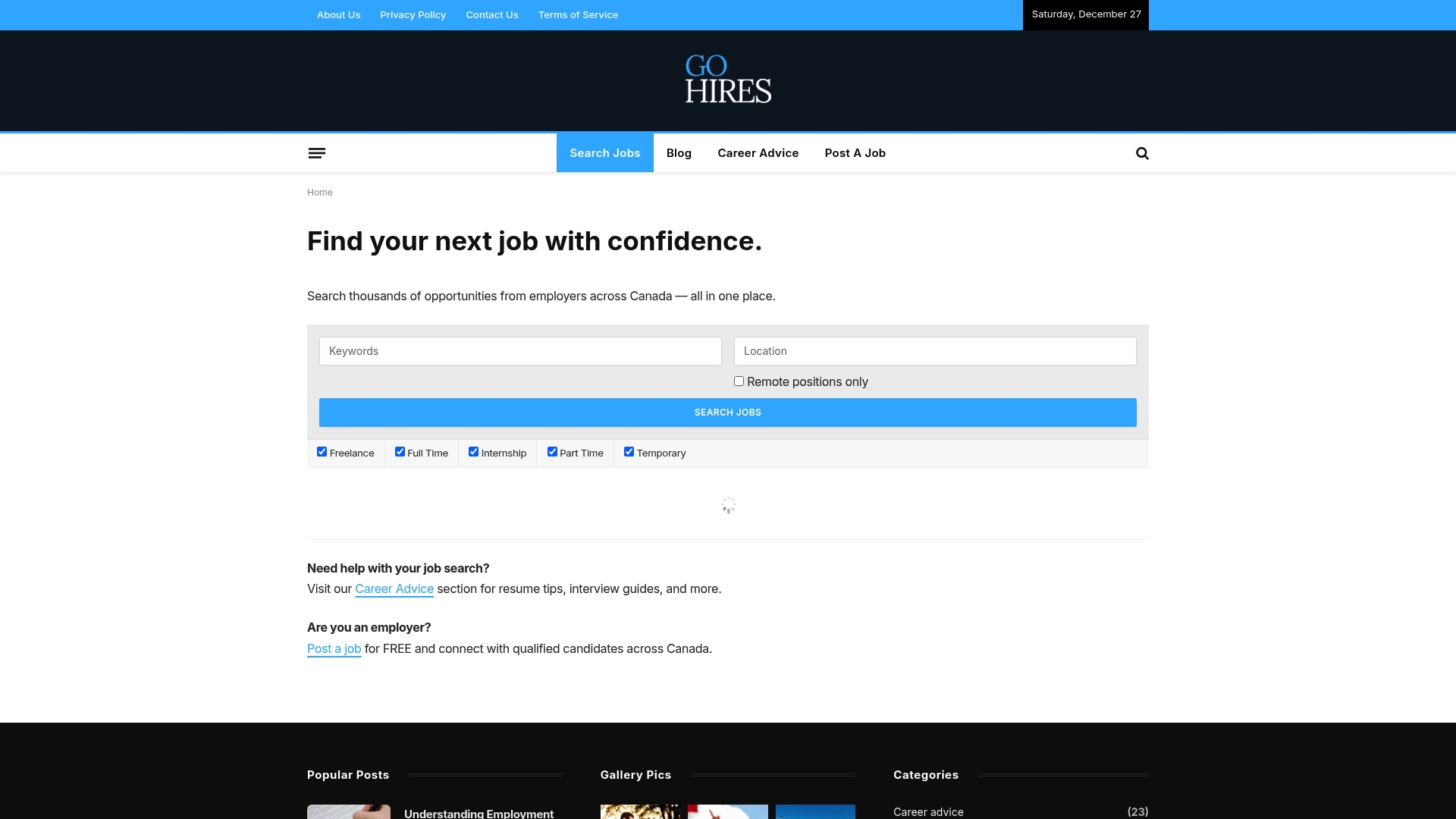
Ready to overcome recruitment challenges and attract top talent effortlessly? Discover how Gohires empowers you to post jobs with clarity and confidence. Start your employer journey now by creating your account and tapping into a comprehensive solution built for the Canadian job market. Visit Gohires to learn more and begin posting your next job today.
Frequently Asked Questions
How do I create a Gohires employer account?
To create a Gohires employer account, visit the Gohires website and click on the employer registration button. Fill in your company details like name, industry, and contact information to establish your organizational presence.
What information should I include in my job posting?
Your job posting should include the job title, responsibilities, required qualifications, and salary range. Ensure that you are clear and detailed to attract the right candidates for the position.
How do I set up posting options on Gohires?
Set up your posting options by selecting the job boards and platforms you wish to integrate for broader visibility. Customize these settings according to your target audience to maximize your candidate reach.
How can I monitor applications after publishing a job?
After publishing your job, regularly check your application dashboard to track incoming submissions. Set up email notifications if available, so you can respond promptly to candidates and improve their experience.
What should I do if I make a mistake in my job posting?
If you notice a mistake in your job posting, promptly edit the listing on Gohires to correct the information. Regularly reviewing your posting ensures that you maintain clarity and attract qualified applicants.